Begin with the shelf geometry and service access
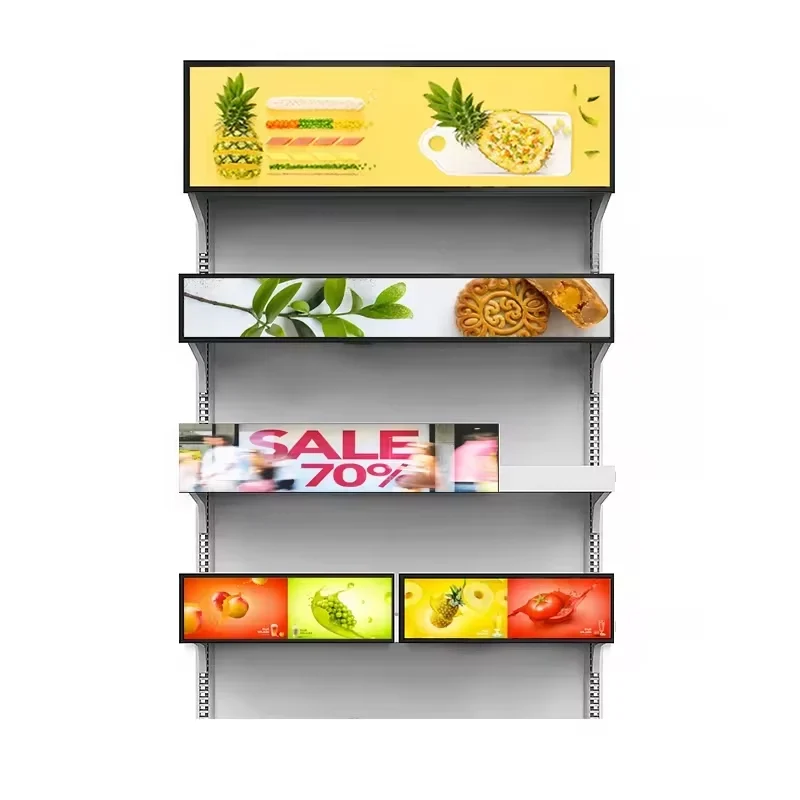
A 43-inch diagonal does not prove that a display will sit correctly on a shelf edge. Request the overall enclosure dimensions, active image area, fixing points and connector positions, then compare them with the shelf drawing, product clearance and staff access. The housing must leave room for stocking, cleaning and removing the unit for service. For early format comparison, review the shelf-edge display category and ask for dimensioned drawings rather than relying on product names.
If the aisle layout is tight, a different stretched format may fit better. Compare the 38.5-inch stretched bar LCD display using confirmed drawings for both options, including brackets, cable exits and maintenance clearance. Decide whether the screen will sit above, below or within the price rail, and record that position in the RFQ so the mounting solution is quoted for the same condition. Ask whether the bracket is included or specified by the fixture supplier.
Design content for a narrow viewing area
The display lists image, video and advertising playback. Before producing final media, confirm native resolution, aspect ratio and the active area, then build layouts for the narrow canvas. Check text size from the aisle, cropping of logos, contrast under store lighting and whether prices remain legible when the screen is viewed at an angle.
Keep the product link obvious. A promotion for one item should not look like it applies to an entire shelf. If pricing appears, assign an owner for approvals and removal of expired offers. A screen that can show a price does not automatically connect to a store pricing system; treat any database feed or third-party software integration as a separate requirement with named inputs and acceptance tests. List every content approver and the maximum time an outdated offer can remain visible.
Choose touch only after the interaction is defined
Touch is an optional feature, not a default reason to specify this screen. Explain what a shopper will select, what appears after selection and where the shopper can stand without blocking merchandise. Check reach, screen angle and whether the application needs a larger interactive surface elsewhere in the store. If the shelf is low or crowded, a passive promotion may serve shoppers better than an interactive screen.
If a supplier gives a touch-response figure, keep it in context. Sensor response is not the same as total system latency, which includes the player, software and network. Test the complete interaction on the proposed system. Record the test result against that complete path, not against the touch panel alone. For display-only campaigns, remove touch from the quotation and focus the specification on content playback, update workflow and mounting.
Define the playback and update scope
System and installation are customizable options, so the quotation should identify the selected player or operating environment, content source and management method. State whether staff will update each screen locally or publish to a group of stores. If an existing platform must be used, name it and request a compatibility check rather than assuming support.
Describe the network available at the shelf and who will resolve connectivity issues. Confirm how content is loaded, how playback is scheduled, how failures are reported and what happens during a network outage. Review the retail applications page for deployment context, then list every software responsibility that sits outside the hardware supply so the quote does not leave a hidden integration gap. Name the owner for software updates and the person who will investigate faults.
Plan a pilot that can be accepted
Approve a representative installation before extending the same configuration across stores. Use the intended shelf, bracket, power route and cable exit. Load real promotional content and check readability from normal shopper positions, access for replenishment, cleaning and service removal. If touch is selected, include the actual interaction and the complete player-and-software path in the trial.
Write acceptance criteria before the pilot begins: dimensional fit, image area, content playback, update process, mounting security, cable management and operating responsibilities. Record any store-specific adaptations. Do not treat a desktop preview or a loose screen test as proof of the installed result. A signed pilot configuration gives the factory a clear baseline for later production and repeat orders. Use the same content package, bracket design and software version in the pilot that you intend to deploy.
Assemble RFQ inputs for a factory quotation
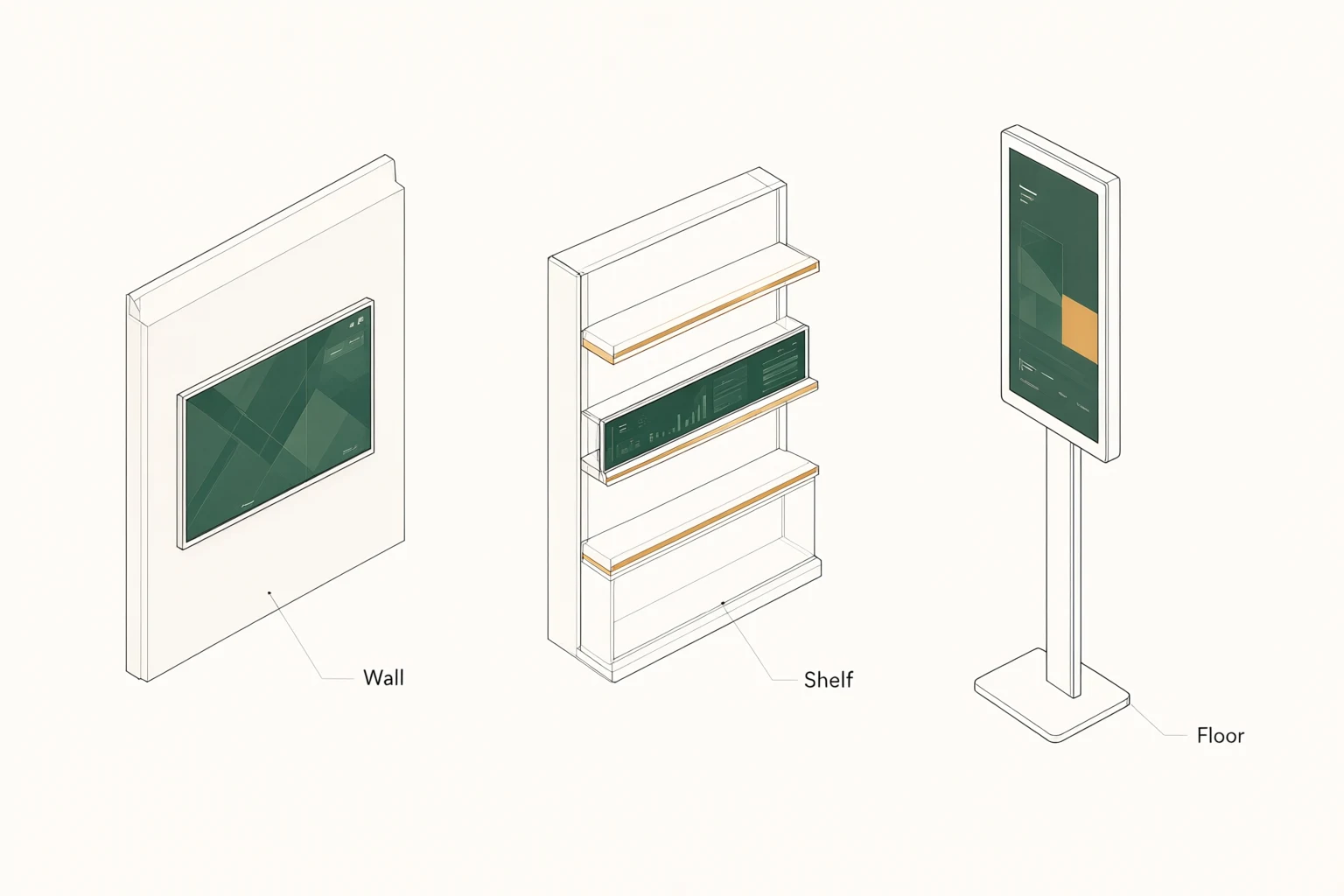
Send a shelf drawing or photographs with available width, height, depth and cable route marked. Add the quantity per store, total project quantity, destination and required schedule. State whether the screen is display-only or touch-enabled, and describe the content, orientation, playback system, mounting method and any platform integration.
Use the OEM/ODM customization page to organize enclosure or installation requests. Ask the quotation to separate the screen, mounting accessories, system or software scope, optional touch, samples and documentation. Include pilot acceptance requirements so the offer reflects the deployed configuration. Contact Alihh with these inputs to request a 43-inch shelf display quotation and a drawing review before approving brackets or shelf modifications.
Frequently asked questions
Does the 43-inch size confirm that the unit will fit our shelf?
No. The diagonal measurement does not describe the housing, active area, bracket or clearance. Send the shelf drawing and ask for dimensioned drawings, fixing details and cable exit positions before approving a fit.
Can the display pull live prices from our store system?
The product is listed for image, video and advertising playback, but pricing integration is not implied. Describe the data source, software platform and update process; ask for the integration scope and acceptance test separately.
When should we choose the optional touch version?
Choose touch only when the campaign needs a defined shopper interaction at the shelf. Check reach, obstruction, software behaviour and total system response in the intended installation. For passive promotion, specify display-only to keep the scope clear.
What information should accompany a wholesale or project RFQ?
Provide shelf drawings, quantity per store, total quantity, destination, content type, display-only or touch, selected system or platform, mounting and power details, sample needs and pilot acceptance criteria. Ask the quotation to state all included and excluded items.
Product references